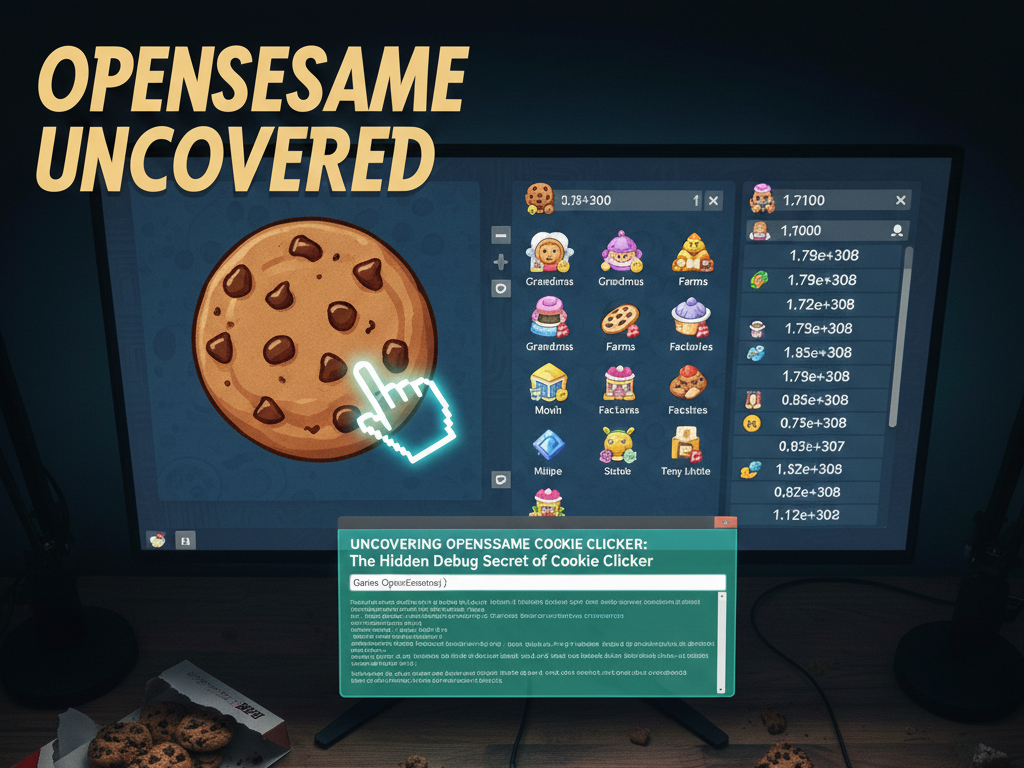
For many fans of incremental games, Cookie Clicker is a beloved time sink — a quirky browser and desktop title that turns a simple idea (click for cookies) into a sprawling empire of production buildings, upgrades, and addictively compounding mechanics.
But buried within this deceptively simple game is a powerful, oft‑overlooked feature known by players and modders alike as opensesame cookie clicker — a hidden debug menu that unlocks secret tools, cheats, and controls previously meant for development and testing.
In this guide, we’ll explore what opensesame cookie clicker actually is, how it works, why players use it, and what you should know before activating it.
What Is opensesame cookie clicker?
At its heart, opensesame cookie clicker refers to a built‑in debug panel inside Cookie Clicker that grants players access to powerful developer tools normally hidden from view. This feature isn’t advertised in the main menus, yet it has existed in the game for years — originally intended as a way for the game’s creator to test mechanics during development.
Once activated, opensesame cookie clicker essentially flips the game into a sandbox or creative mode. Rather than progressing slowly through buying cursors, grandmas, and factories, you can manipulate most of the game’s mechanics instantly — from generating massive quantities of cookies to seeding rare events and unlocking upgrades on the fly.
This access transforms Cookie Clicker from a long‑haul incremental journey into a creative playground. But with such power comes responsibility — and controversy. We’ll come back to that later.
How to Activate the opensesame cookie clicker Debug Menu
There are generally two main ways to unlock the opensesame cookie clicker debug panel, depending on whether you’re playing in a web browser or on a platform like Steam.
1. Bakery Name Trick (Web Browser)
On the web version of Cookie Clicker, the simplest way to activate opensesame cookie clicker is through a quirky naming trick:
- Open Cookie Clicker in your browser.
- Click on your bakery’s name at the top of the screen.
- Append the phrase “saysopensesame” directly after your bakery name.
- Confirm the change and look for a small icon to appear in the corner.
If done correctly, a new debug icon appears near your bakery name — clicking it opens the hidden debug menu.
This method is intended for the browser version and may not work in all desktop builds (especially on Steam). On those platforms, you’ll need the console method below.
2. Console Command Method
If the name trick doesn’t work — particularly in versions where bakery rename limits are strict or on Steam — you can still activate opensesame cookie clicker via the browser (or developer console on desktop):
- Open developer tools (e.g., press F12 or right‑click and select “Inspect”).
- Go to the Console tab.
- Enter the command: Game.OpenSesame();
- Press Enter. The debug icon should now appear.
This command directly triggers the internal debug panel regardless of your bakery name, making it a reliable option when the name trick fails.
What opensesame cookie clicker Lets You Do
Once activated, opensesame cookie clicker unlocks a suite of powerful tools that let you manipulate nearly every aspect of your game. While features vary between versions and community tools, here’s a taste of what players commonly gain access to:
Instant Cookie Generation
One of the most tempting perks of opensesame cookie clicker is the ability to add cookies instantly without grinding. You can set your cookie count to millions or even higher in a single command.
Unlock Upgrades and Achievements
The debug panel lets you unlock all upgrades and even trigger achievements without the need to fulfill normal conditions. Some players use this to explore end‑game mechanics or experiment with rare upgrades without hours of play.
Trigger Special Events
Golden Cookies, seasonal events, elder events, and other rare mechanics can be spawned at will through opensesame cookie clicker. This lets you test how different buffs and events affect your production.
Game Speed and Time Manipulation
Some debug tools allow you to simulate time passes, accelerate production, or slow the game down — useful for stress testing strategies or just for fun.
Why Players Use opensesame cookie clicker
People have different motivations for diving into opensesame cookie clicker — and not all of them involve “cheating” in the negative sense:
Experimentation and Learning
Many players use the debug menu to learn how the underlying systems interact — for example, how upgrades stack, how buffs chain, or how events affect cookie generation. It’s like peeking under the hood of the game.
Creative and Casual Play
Some enjoy creating wildly powerful cookie empires without grinding — effectively turning Cookie Clicker into a sandbox. Others use it to explore areas of the game they might never reach through normal play.
Testing and Mod Development
Modders and content creators often use opensesame cookie clicker to test new scripts, features, and visual effects quickly. It’s a tool for experimentation and content creation.
Is Using opensesame cookie clicker Cheating?
This is the part that generates the most debate among the community.
Technically speaking, opensesame cookie clicker gives you access to tools that alter normal progression — so yes, by traditional definitions it’s a form of “cheating” since it lets you bypass the usual grind.
However, Cookie Clicker is single‑player only and has no official competitive leaderboard. Many players argue that using opensesame cookie clicker is no different from using mods or a creative sandbox mode — especially if you’re not misrepresenting your achievements to others.
The creator of Cookie Clicker himself has hinted that experimentation and creativity are part of the game’s ethos, even if debug tools were originally intended for internal use rather than regular gameplay.
Whether this counts as “cheating” depends largely on your own playstyle and goals with the game.
Risks and Best Practices
Before you launch into opensesame cookie clicker, there are a few things you should keep in mind:
- Save Corruption
Some debug commands can inadvertently alter your save in unexpected ways. - Shadow Achievements
Using the debug menu triggers an in‑game indicator (like the “Cheated Cookies Taste Awful” shadow achievement) even if you don’t use any commands. - Backup Your Save
Always export and save a backup before experimenting. If things go awry, you can always re‑import your previous progress.
FAQs About opensesame cookie clicker
Q: Does opensesame cookie clicker work in the Steam version?
A: The bakery name trick generally doesn’t work on Steam, but the console command can still activate the debug menu in many cases — though behavior differs between builds.
Q: Will using it ruin my normal gameplay?
A: None of the tools are inherently dangerous, but careless use can disrupt progression logic. Always back up before trying anything.
Q: Is it safe to use?
A: Technically yes — there’s no malware or external code involved, it’s all part of the game’s built‑in functions.
Q: Does it disable achievements?
A: In some versions, opening the debug menu sets a “cheated” tag which can affect certain achievements.
Q: Can I remove the debug panel after activating it?
A: Renaming your bakery back or reloading the game usually hides the debug icon, but the effects of commands may remain unless undone manually.
Conclusion
opensesame cookie clicker is one of those quirky gaming secrets that adds a whole new dimension to Cookie Clicker. What started as a developer test console has become a playground for creative players, experimenters, and modders alike. Whether you use it for fun, for learning, or just to satisfy curiosity, it’s a powerful tool — just one that’s best approached with caution and respect for the spirit of the game.